18.11.2026Crosshairs
Dot crosshair in CS2: how to make one and which pros play a tiny crosshair
A dot crosshair barely covers the enemy model and suits precise shooting. Here's how to set one up, plus the smallest pro crosshairs.
How to make a dot crosshair
- Open Settings → Crosshair.
- Turn on the center dot.
- Set the line length to zero so only the center is left.
- Pick the thickness: it sets the size of the dot. 2–3 pixels is usually enough to see it.
- Turn on the outline if the dot gets lost on light backgrounds.
You don't have to build it by hand: if a pro uses a dot, their code imports in a couple of seconds.
Which pros play a dot
In our database 2 of 92 players run a pure dot. Here are their crosshairs:
JamePARIVISION
CSju7NEEq3zqojh3fc2whnYA4E7AR3WDK9uOpiYMRCDSyFEliGETeam Liquid
CSpa4SuWdTzAAvbkCAF7dert2NnG8r7PJ9ER8jBo4Z4z7HA tiny cross: almost a dot
Other pros who want a minimal crosshair use a short cross with 1–2 pixel lines. It covers almost as little but is easier to see while moving.

 MOUZ
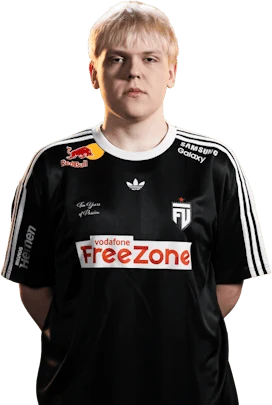
 FUT
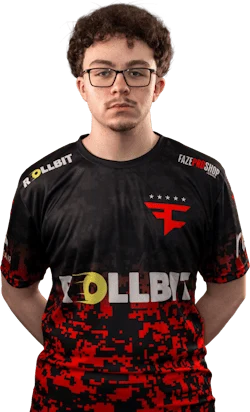
 FAZE
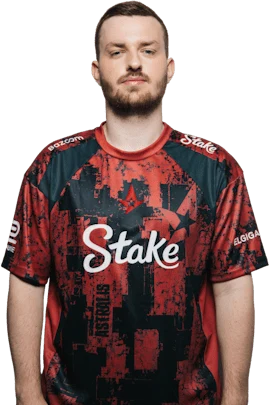
 AST
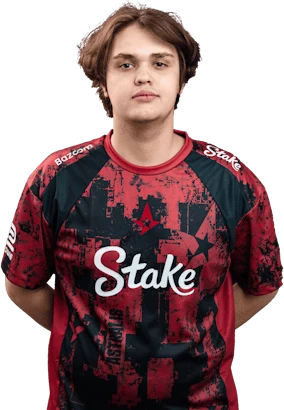
 M80
Pros and cons of a dot
- Pro: it doesn't cover the enemy's head at long range.
- Pro: handy for taps and first bullets.
- Con: harder to see in smoke, on light walls and during fast movement.
- Con: it doesn't show spread and takes longer to get used to.
FAQ
How do I make a dot crosshair in CS2?
In Settings → Crosshair turn on the dot, set line length to zero and pick the thickness, which sets the dot size.
Do pros use a dot crosshair?
Rarely: 2 of 92 players in our database use a dot, the rest play a small cross.