20.11.2026Guides
CS2 crosshair after the update: how to get your old crosshair back
After the September 2026 update, old CSGO- codes stopped importing and the crosshair is now measured in pixels. Here's what changed and how to move your crosshair over without eyeballing it.
What changed
In September 2026 Valve moved the CS2 crosshair to pixels, and on 30 September it changed the share code format. New codes start with CS and have no dashes. The game no longer accepts old CSGO-xxxxx-xxxxx-xxxxx-xxxxx-xxxxx codes, so a crosshair from your notes or someone's config won't import as is.
You can't copy the old values one to one either: length and thickness used to depend on screen height and are now set in pixels, so the same numbers give a different crosshair.
How to get your old crosshair back
- Find your old CSGO- code (in your notes, your config or the page of the player you copied it from).
- Open the crosshair converter and paste the code.
- Pick the resolution you played on: the pixel conversion depends on it.
- Copy the new code and import it in CS2: Settings → Crosshair → Share or Import.
Open the crosshair converter →
If your old crosshair was dynamic, pick the dynamic style manually after importing: the converter sets a static cross.
How accurate is it
Length and thickness are recalculated with the old game formula (1/480 of the screen height) and the gap with the old pixel formula. The result usually matches or is 1 pixel off.
No old code? Take a pro crosshair
CfgPeek has current codes in the new format for 92 pros and streamers. Here are crosshairs from top-team players.
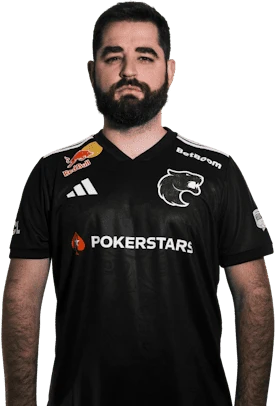
 FUR
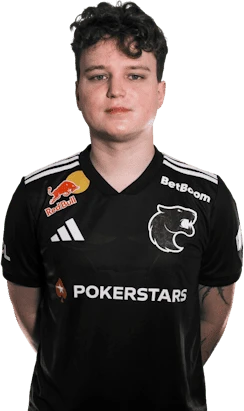
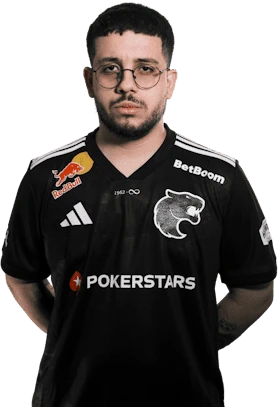
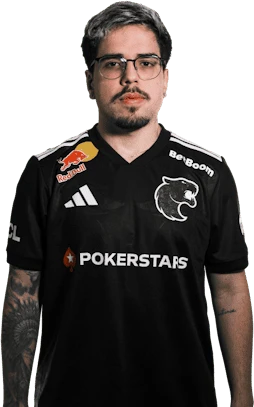
FAQ
Why doesn't my old CSGO- crosshair code work?
Since 30 September 2026 CS2 only accepts new-format codes, which start with CS and have no dashes.
How do I convert an old crosshair code to the new one?
Paste the CSGO- code into the CfgPeek crosshair converter, pick the resolution you played on and copy the new code.