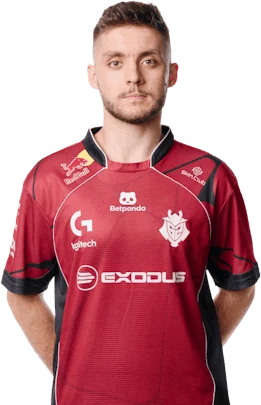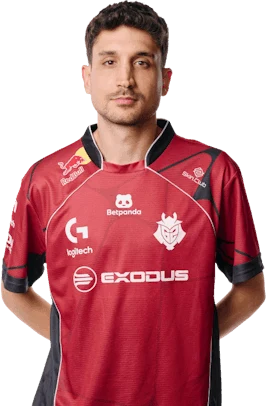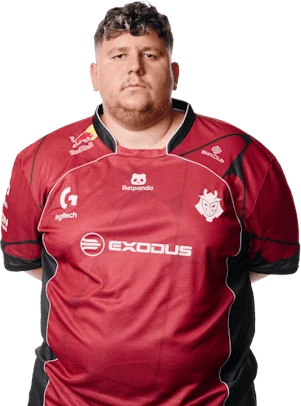
HeavyGodcrosshair, sens & config CS2
HeavyGod is the AWPer for G2 Esports. Sens 3.1 at 400 DPI, resolution 1920×1080 16:9.
Crosshair
player's original codeMouse
—More mouse settings
Video
1920×1080 · 16:9All video settings
Launch options
Steam → CS2 → Properties-novid -tickrate 128 +exec autoexec.cfg -nojoyHUD & radar
The player hasn't published these settings.
Gear
G2 Esports matches
7 wins in the last 20 matchesRecent matches
- Team Falcons1:2BLAST Rivals Fall 2026
- Spirit1:2BLAST Rivals Fall 2026
- MOUZ2:1BLAST Rivals Fall 2026
- Aurora Gaming1:2IEM Beijing 2026
- PARIVISION1:2IEM Beijing 2026
Settings overview
HeavyGod's CS2 crosshair: cross, color green, length 2, thickness 2, gap 1. 42 of the 92 pros in our database use the same color. HeavyGod plays on 3.1 sens at 400 DPI (1240 eDPI), above the pro median of 800 eDPI. Resolution: 1920×1080 16:9, used by 7 pros in our database.
What is HeavyGod's crosshair code in CS2?
HeavyGod's crosshair code: CSWs5Oukxw4LaCo9P9RZk5SsMyJyJCkFOzOuZWTfswOAZh. Copy it and paste it in CS2: Settings → Crosshair → Share or Import.
What sensitivity does HeavyGod use?
3.1 at 400 DPI (eDPI 1240), zoom sensitivity 1, 33.5 cm/360°.
What resolution does HeavyGod play on?
1920×1080, 16:9.
How do I get HeavyGod's config?
Click “Copy config” at the top of the page and paste the text into autoexec.cfg in the game's cfg folder. It includes sensitivity, viewmodel, HUD, radar, crosshair code and launch options.
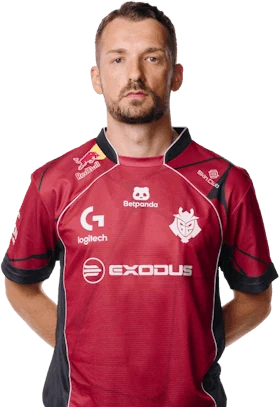
 G2